Hugging Face has released gr.Workflow, a native extension to the Gradio framework designed to convert multi-stage artificial intelligence pipelines into interactive node graphs, visual user interfaces, and deployable REST APIs.
Modern machine learning applications increasingly rely on compound pipelines that chain heterogeneous models: generating text via large language models, feeding prompts into diffusion systems, processing outputs through background removal or audio synthesis models, and applying downstream formatting. Traditionally, developers orchestrate these chains using sequential Python glue code, where inspecting intermediate outputs or exposing individual pipeline stages as separate endpoints requires dedicated routing and debugging scaffolding.
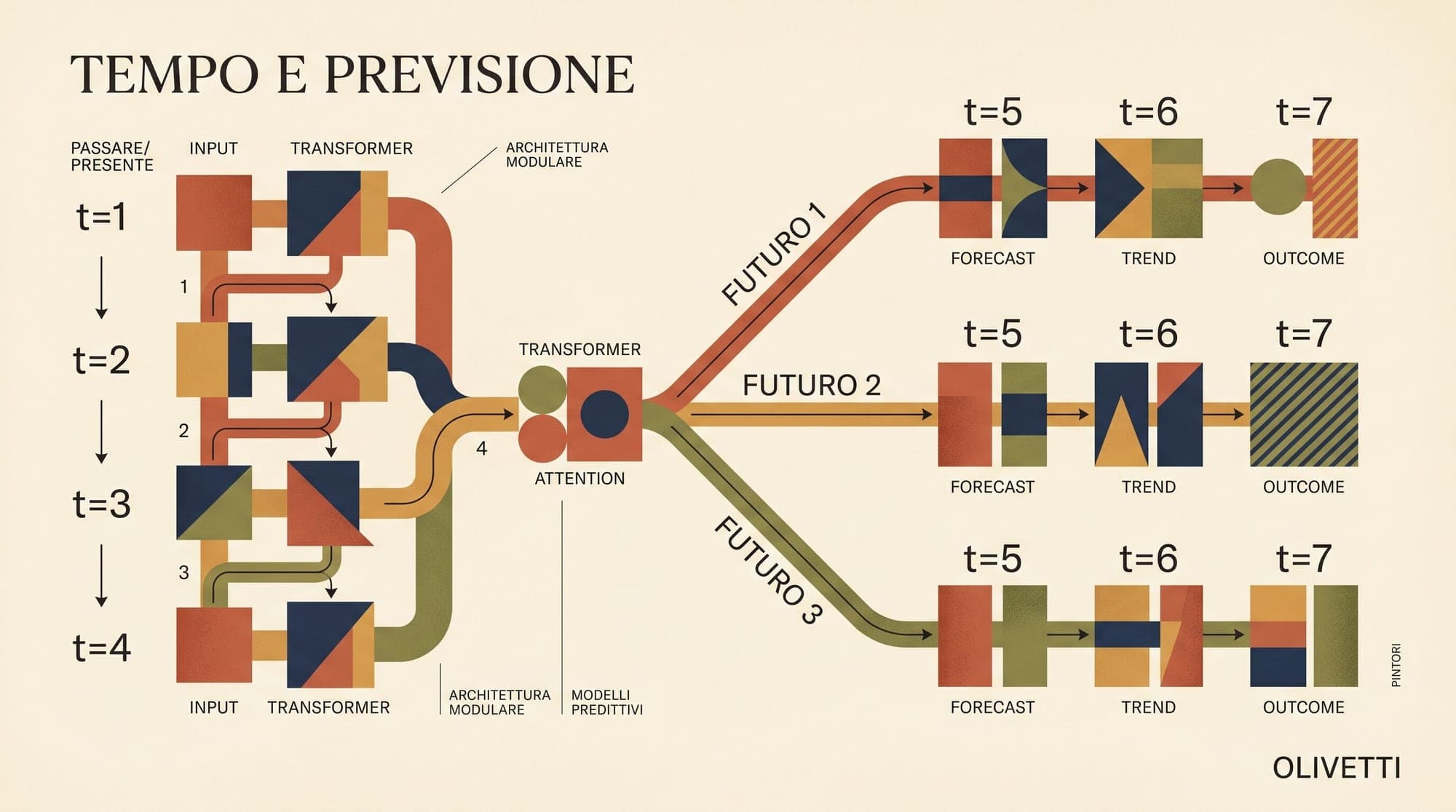
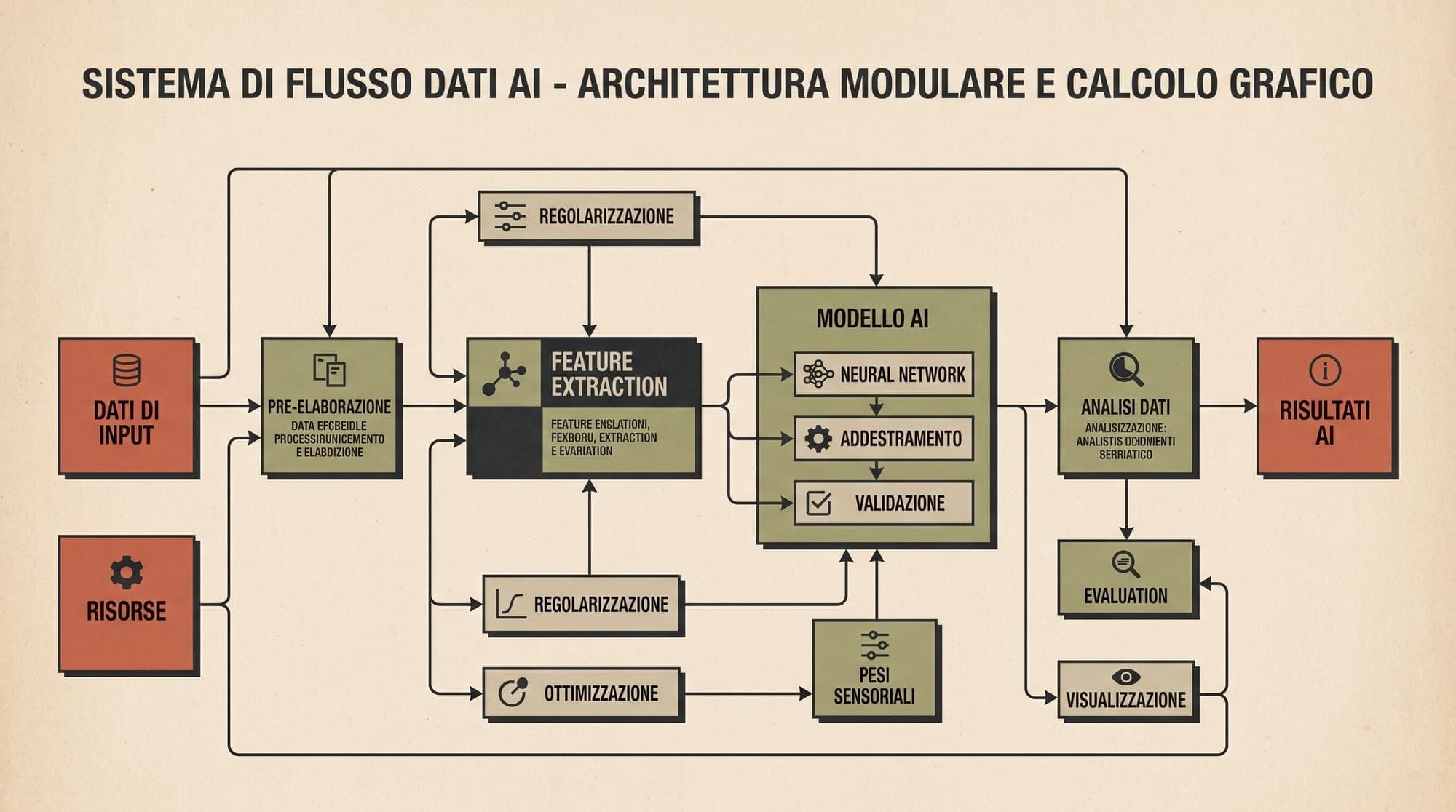
gr.Workflow formalizes these sequences as computational graphs composed of three primary node primitives: references, operators, and subjects.

Core Architecture and Node Types
The workflow engine models data dependencies explicitly through typed connections:
- References: Input nodes that capture incoming data, such as prompt strings, uploaded images, audio clips, or configuration parameters.
- Operators: Execution units that process data. Operators can represent arbitrary Python functions, remote models hosted on Hugging Face Inference Providers, external Gradio Spaces, or queries against Hub datasets.
- Subjects: Terminal and intermediate output artifacts displayed in the visual canvas and exposed via the network interface.
By structuring the application as a directed acyclic graph (DAG), Gradio renders an interactive canvas where each node can be run independently, intermediate artifacts remain visible for inspection, and errors can be isolated to specific pipeline stages without re-running preceding computations.
Automatic REST Routing and Client Access
A primary feature of gr.Workflow is the automatic generation of granular API endpoints. Every output subject defined in the graph generates a dedicated REST route named after its label.
For example, a multi-modal pipeline that generates an image, creates an audio voiceover, and summarizes metadata simultaneously exposes separate routes (such as /sticker, /voiceover, and /episode_title). Developers can query these sub-pipelines directly via standard HTTP requests or using the gradio_client Python package:
from gradio_client import Client, handle_file

client = Client("username/custom-ai-pipeline", token="hf_...")

result = client.predict(
    handle_file("input_sample.jpg"),
    "apply studio lighting and remove background",
    api_name="/processed_asset",
)
Direct HTTP clients can query identical endpoints via curl against the generated /gradio_api/call/<endpoint> path with JSON payloads.
Infrastructure Integration and ZeroGPU Execution
Workflows can execute entirely in memory on local hardware or leverage cloud-hosted inference. When defining Python function nodes, developers can bind compute-intensive operations to dynamic hardware allocators using Hugging Face ZeroGPU.
By applying the @spaces.GPU decorator to a function node, the runtime provisions an isolated GPU instance during execution and releases the hardware immediately upon completion. This enables the integration of local PyTorch and Diffusers models alongside hosted Inference Providers without managing dedicated GPU infrastructure.
Availability
gr.Workflow is available in current versions of Gradio and supports direct deployment to Hugging Face Spaces.